From browser-based group calls to end-to-end encryption, every Kenmeet feature is built to keep conversations moving, secure, and self-contained — no plugins, no context-switching, no compromises.
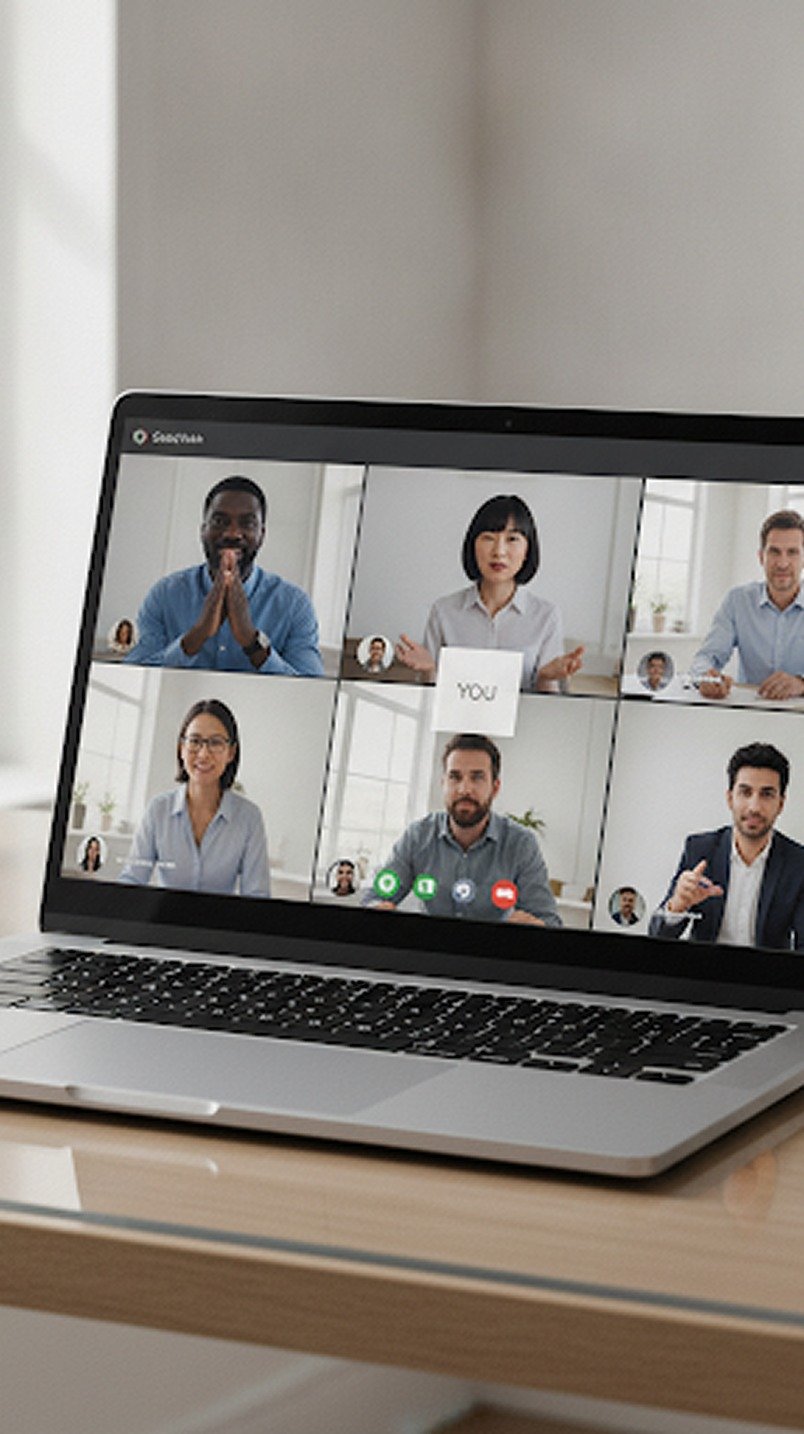
KenMeet allows teams to host high-quality, browser-based video conferences without requiring participants to download software, install plugins, or create accounts.
Whether you're running a daily standup, client presentation, classroom session, or company-wide town hall, participants can join with a single click directly from their browser. Adaptive streaming technology ensures stable video and audio quality across varying network conditions, allowing conversations to remain natural and uninterrupted.
Not every thought needs to interrupt the speaker.
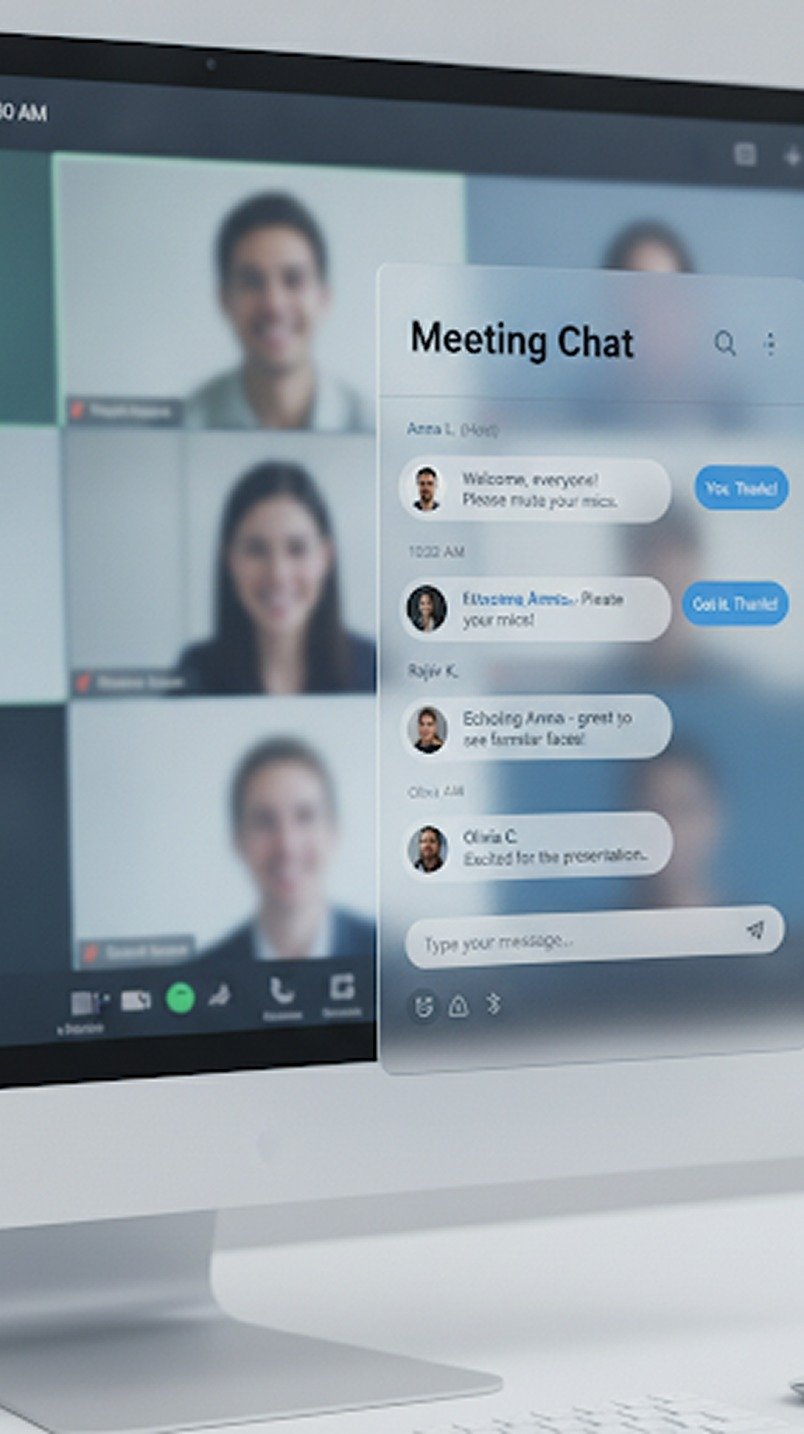
KenMeet's integrated meeting chat allows participants to share links, notes, references, timestamps, and quick updates without disrupting the flow of discussion. Whether you're dropping documentation links during a product demo, sharing meeting notes during a client presentation, or sending resources during a webinar, the conversation stays organized and contextual to the meeting itself. Chat history remains available throughout the session, ensuring important information never gets lost.
Modern meetings move quickly, and switching platforms to exchange files breaks momentum.
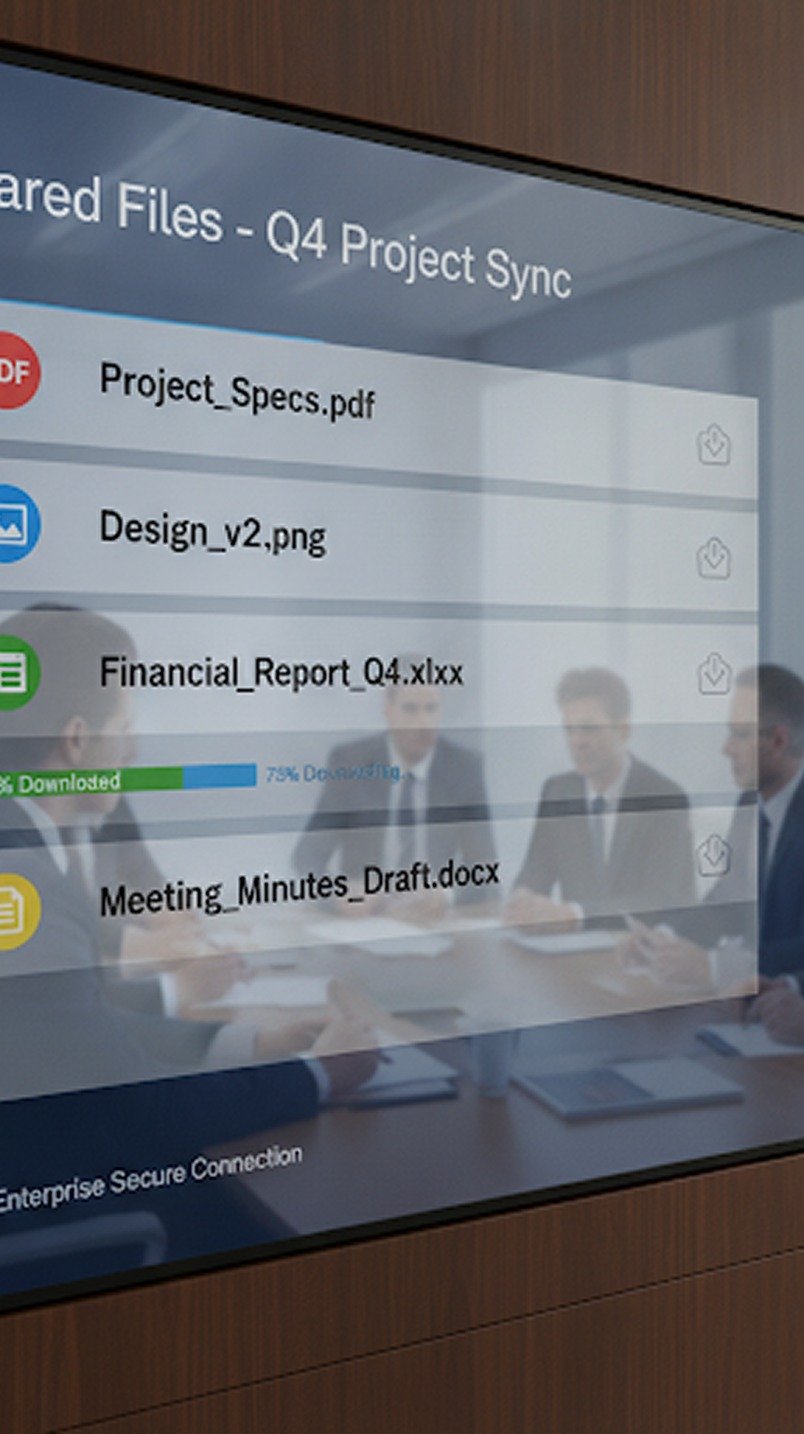
KenMeet allows participants to securely share documents, images, presentations, videos, and other media directly within the meeting environment. Files become immediately available to authorized participants, eliminating the need for follow-up emails or third-party sharing platforms. Everything your meeting needs stays inside the meeting itself.
Ideas are easier to understand when everyone can see them.
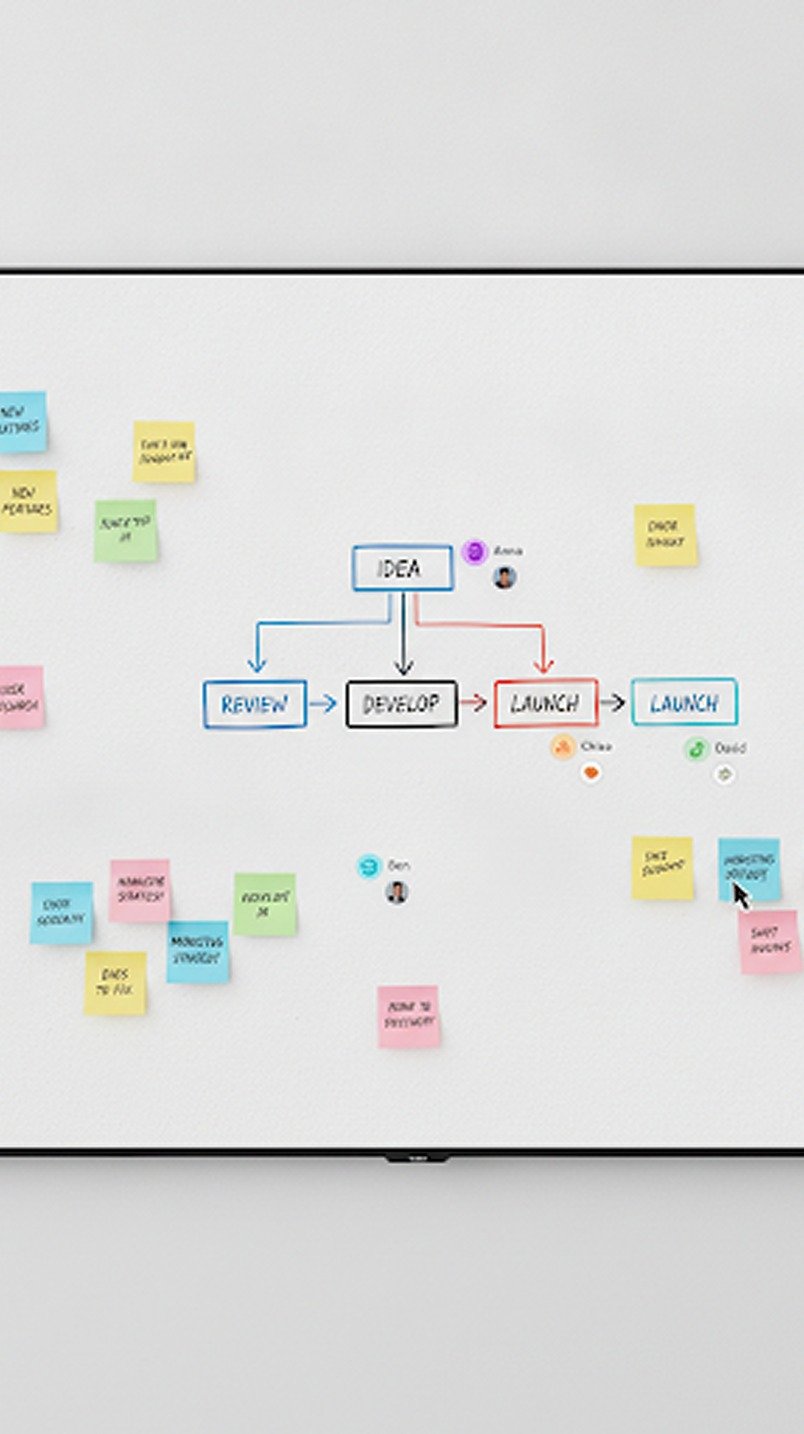
The collaborative whiteboard allows participants to draw diagrams, sketch workflows, annotate presentations, brainstorm concepts, and explain ideas visually in real time. Multiple participants can contribute simultaneously, making it ideal for workshops, planning sessions, design reviews, and educational environments. Completed whiteboards can be exported as images for documentation or future reference.
KenMeet allows hosts to record meetings, presentations, screen shares, and whiteboard sessions directly to their devices or organizational storage.
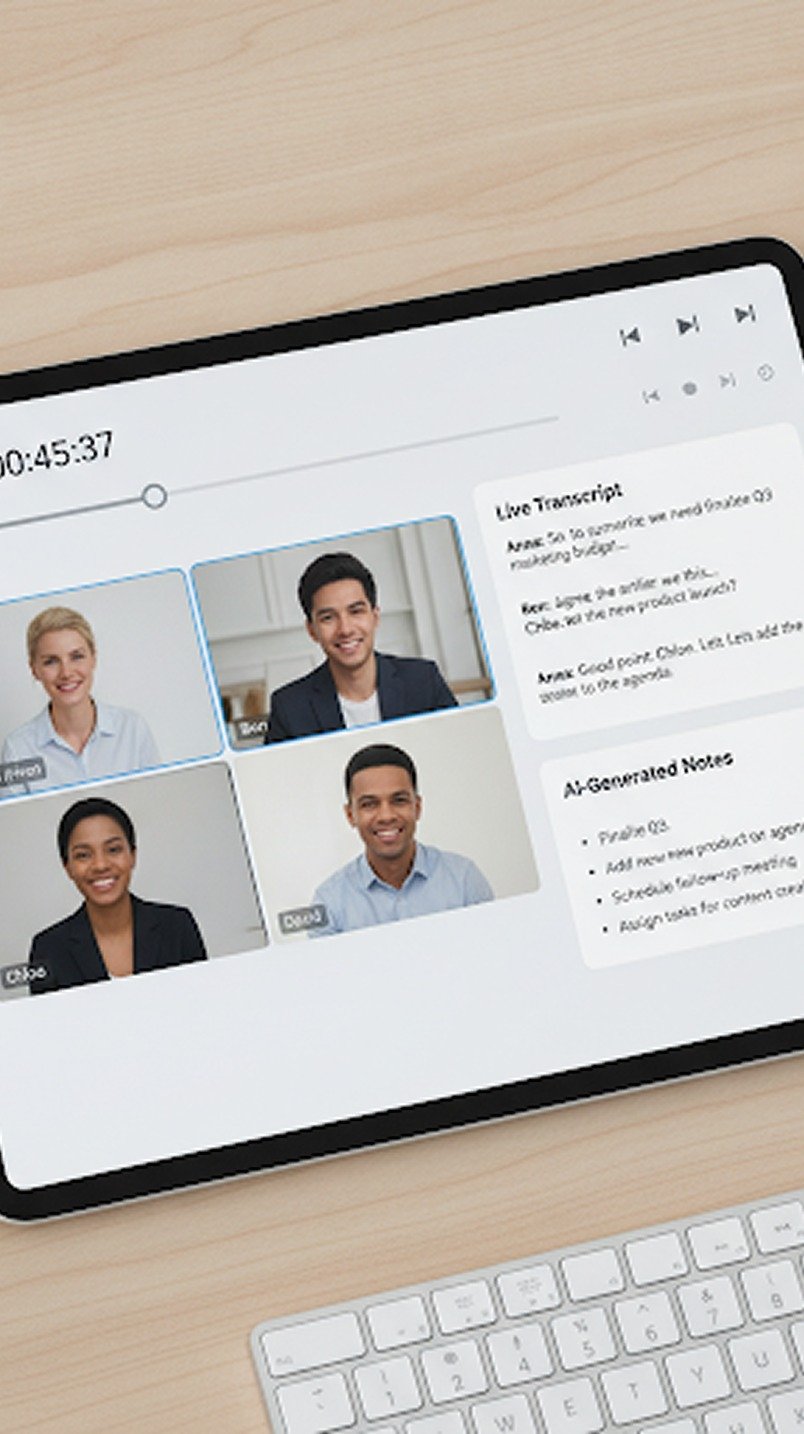
Recordings capture the context and details that often get lost in traditional notes, making them invaluable for training, compliance, documentation, and asynchronous collaboration. Combined with KenMeet AI Copilot, recordings become searchable knowledge assets rather than static video files.
Every environment is different.
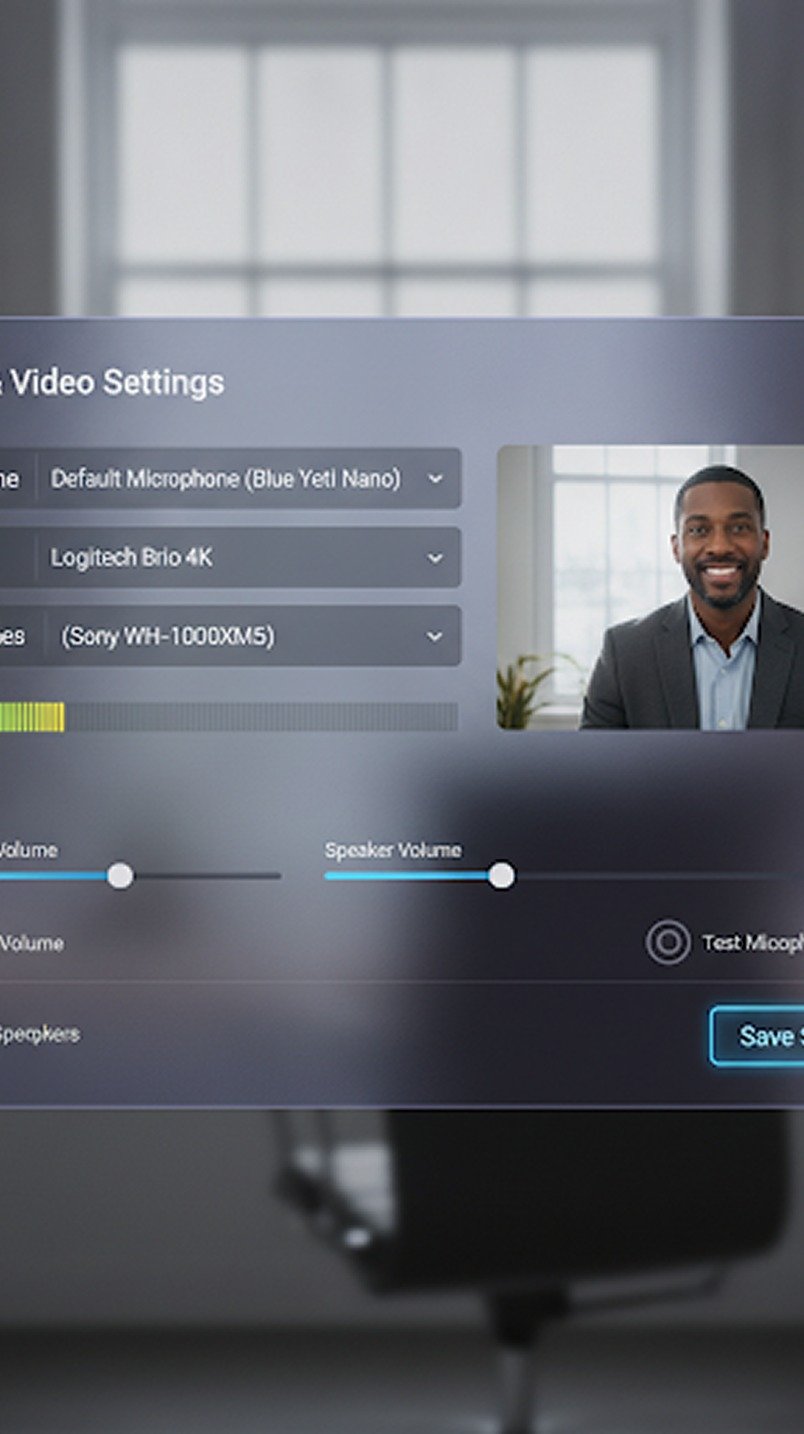
KenMeet allows participants to select their preferred microphone, speakers, camera, and video quality settings before joining a meeting and adjust them at any time during the session. Built-in previews help users verify audio and video settings before entering the call, reducing delays and technical issues. Whether you're joining from a laptop, conference room, headset, or mobile device, KenMeet adapts to your environment.
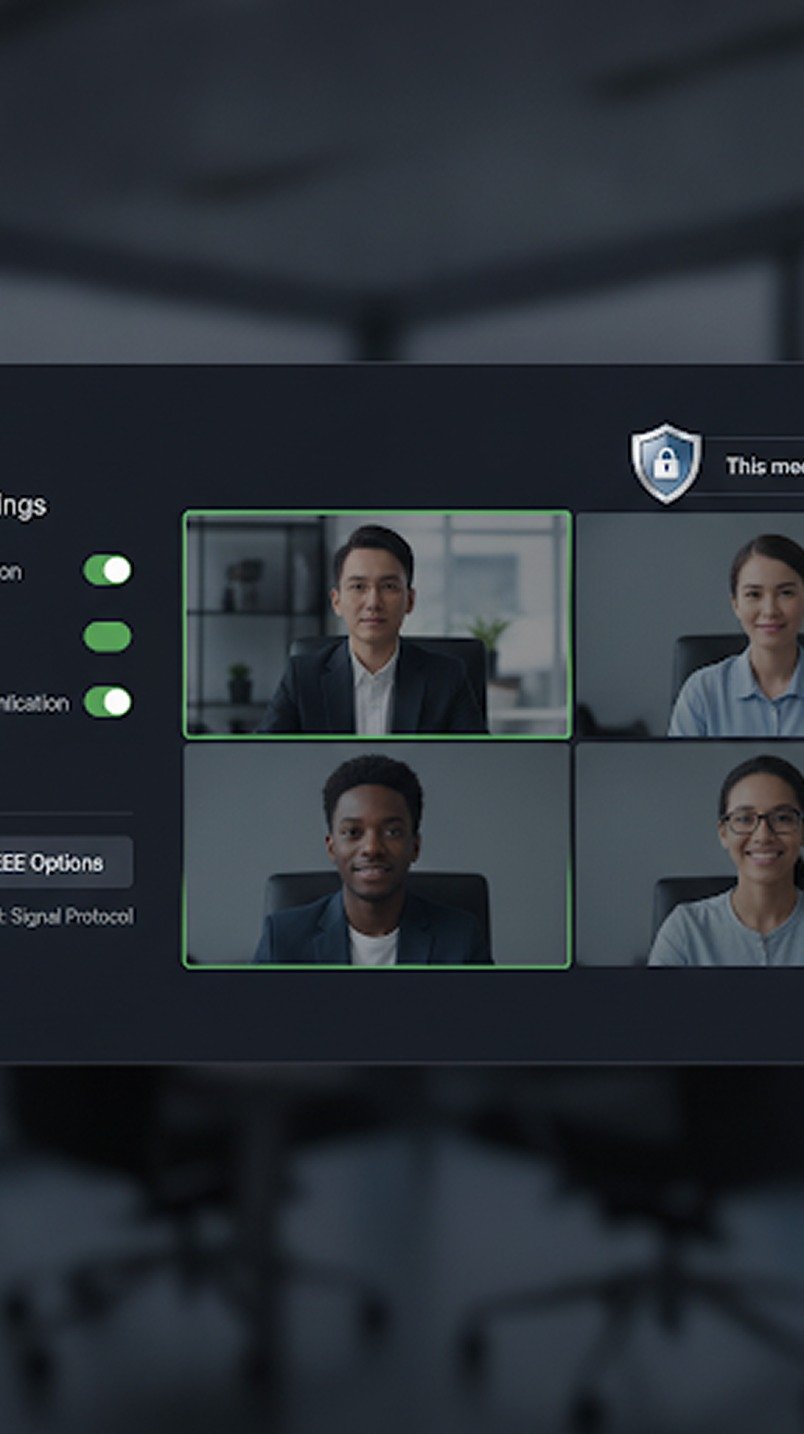
Every meeting on KenMeet is protected using enterprise-grade encryption to ensure conversations remain private and secure.
Audio streams, video streams, chat messages, shared files, and meeting metadata are protected both while being transmitted and while stored. Unlike platforms that reserve advanced security features for premium plans, encryption is enabled for every customer by default — because secure communication should be the baseline, not the upsell.
No installs, no plugins, no premium gates — start a browser-based meeting in seconds.